Overview
- Adding tips for credit card payments is an important feature in a POS system that enhances customer experience and increases business revenue.
- SalesPlay POS allows you to add tips for card payments using supported gateways such as Wallee and PAX.
Step 1: Enable Card Payment Gateway
Step 2: Open Past Receipts
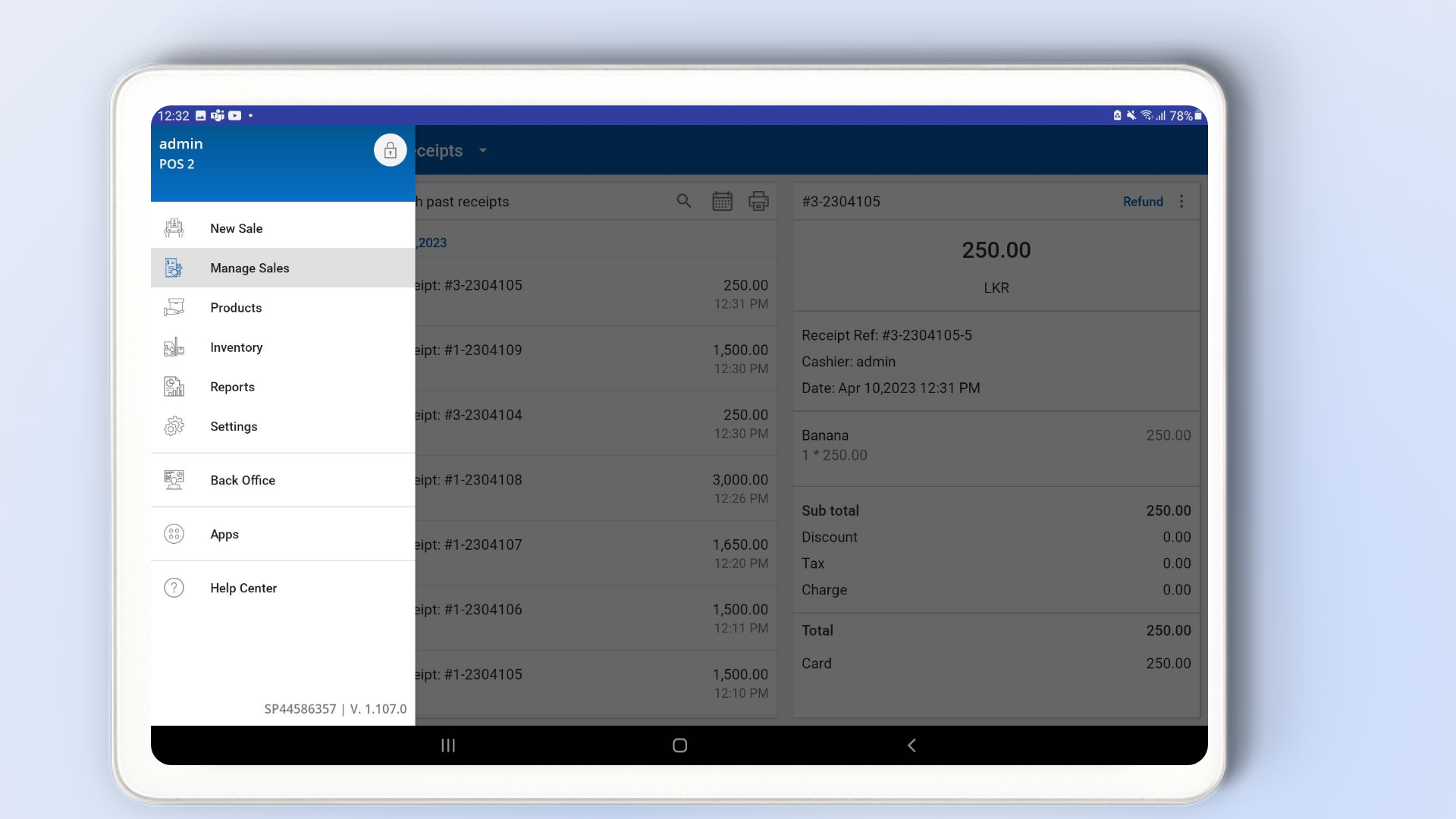
- Open the SalesPlay POS App.
- Go to Main Menu → Manage Sales.
- Select Past Receipts.
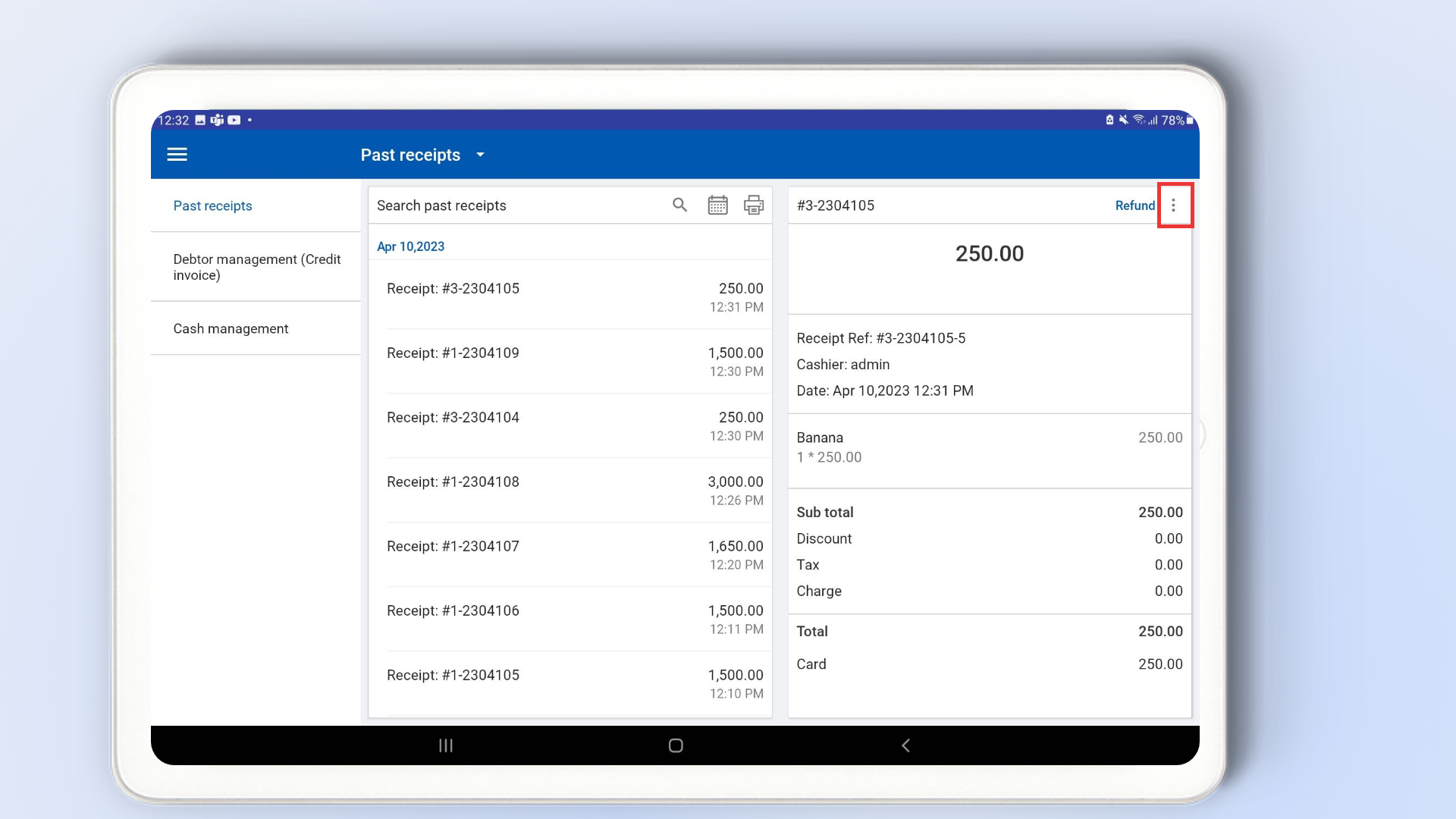
Step 3: Select the Receipt
- Select the completed transaction where you want to add a tip.
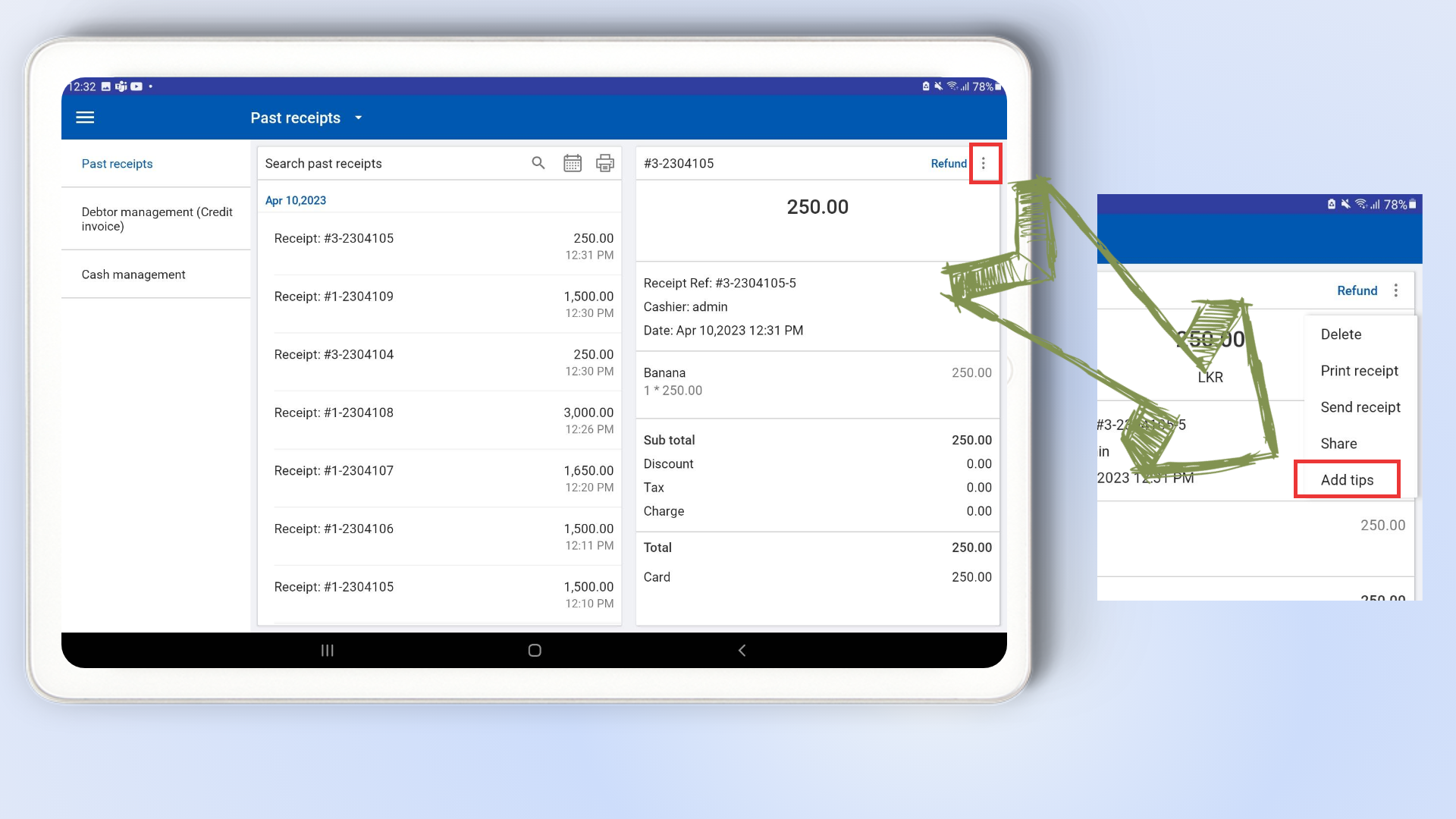
- Tap the three-dot (⋮) menu in the top right corner.
- Select “Add Tips” from the dropdown menu.
Step 4: Enter Tip Amount
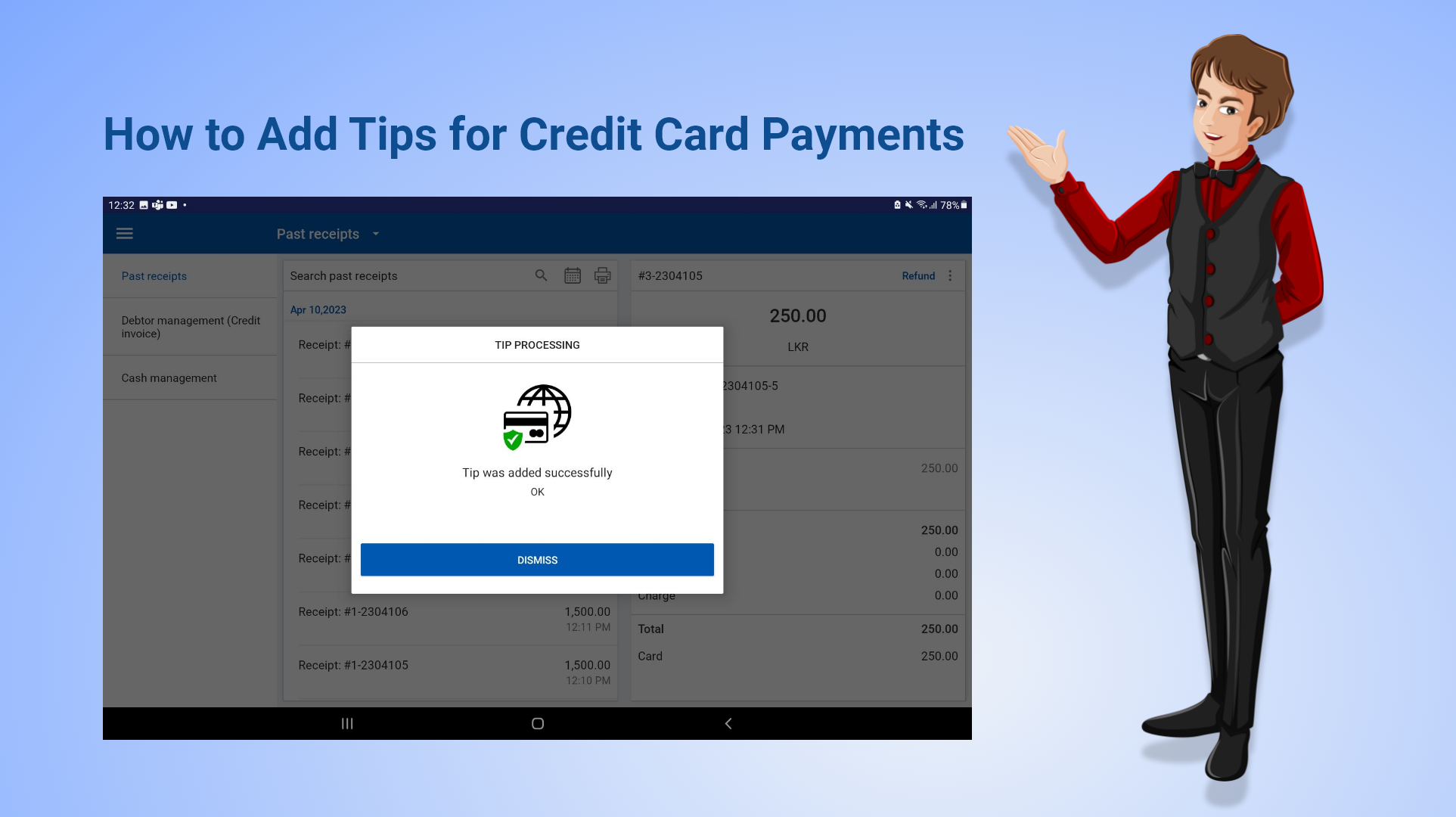
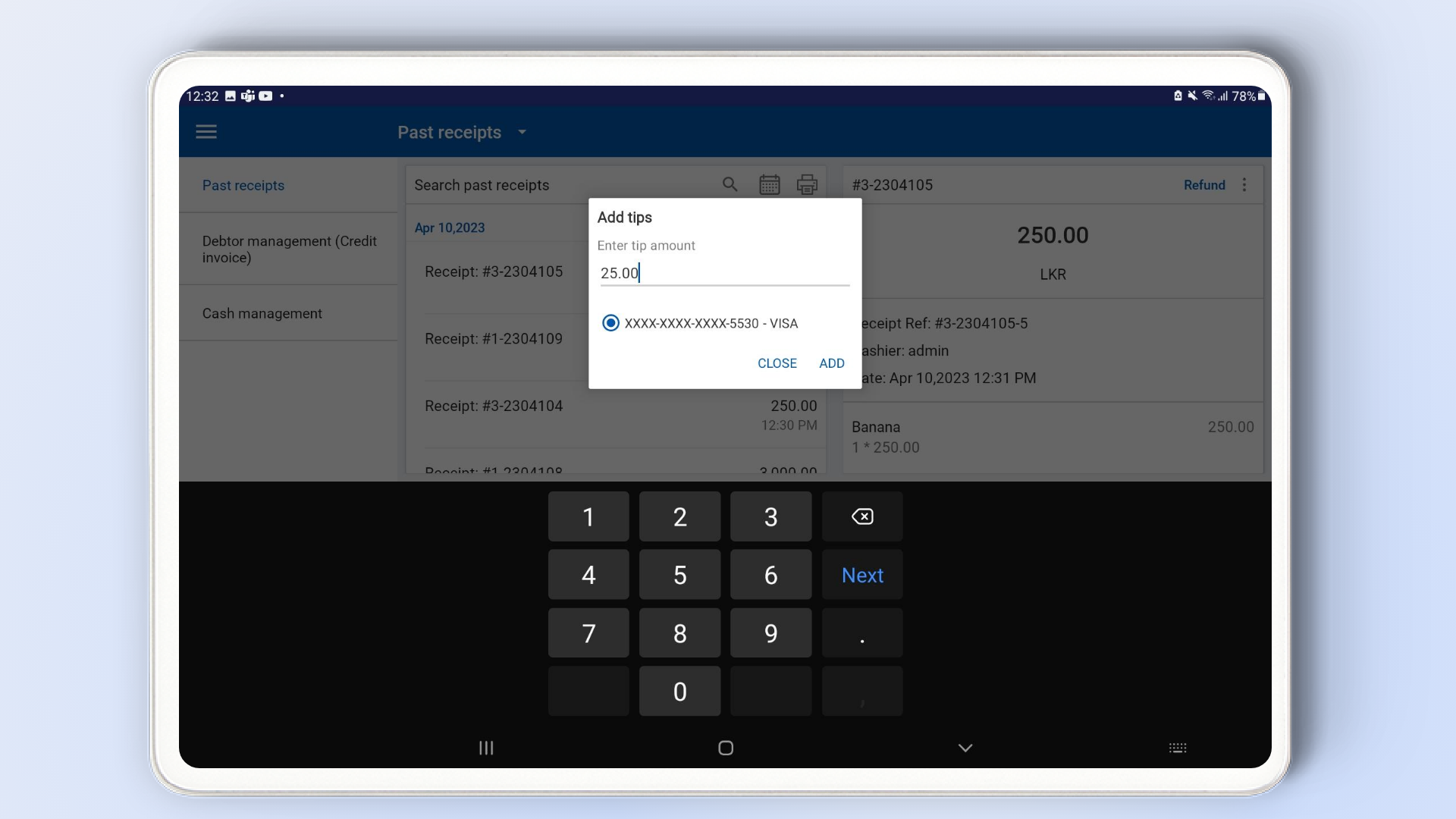
- A pop-up window will appear to enter the tip amount.
- The tip will be charged to the same credit card used for the original purchase.
- Enter the desired tip amount.
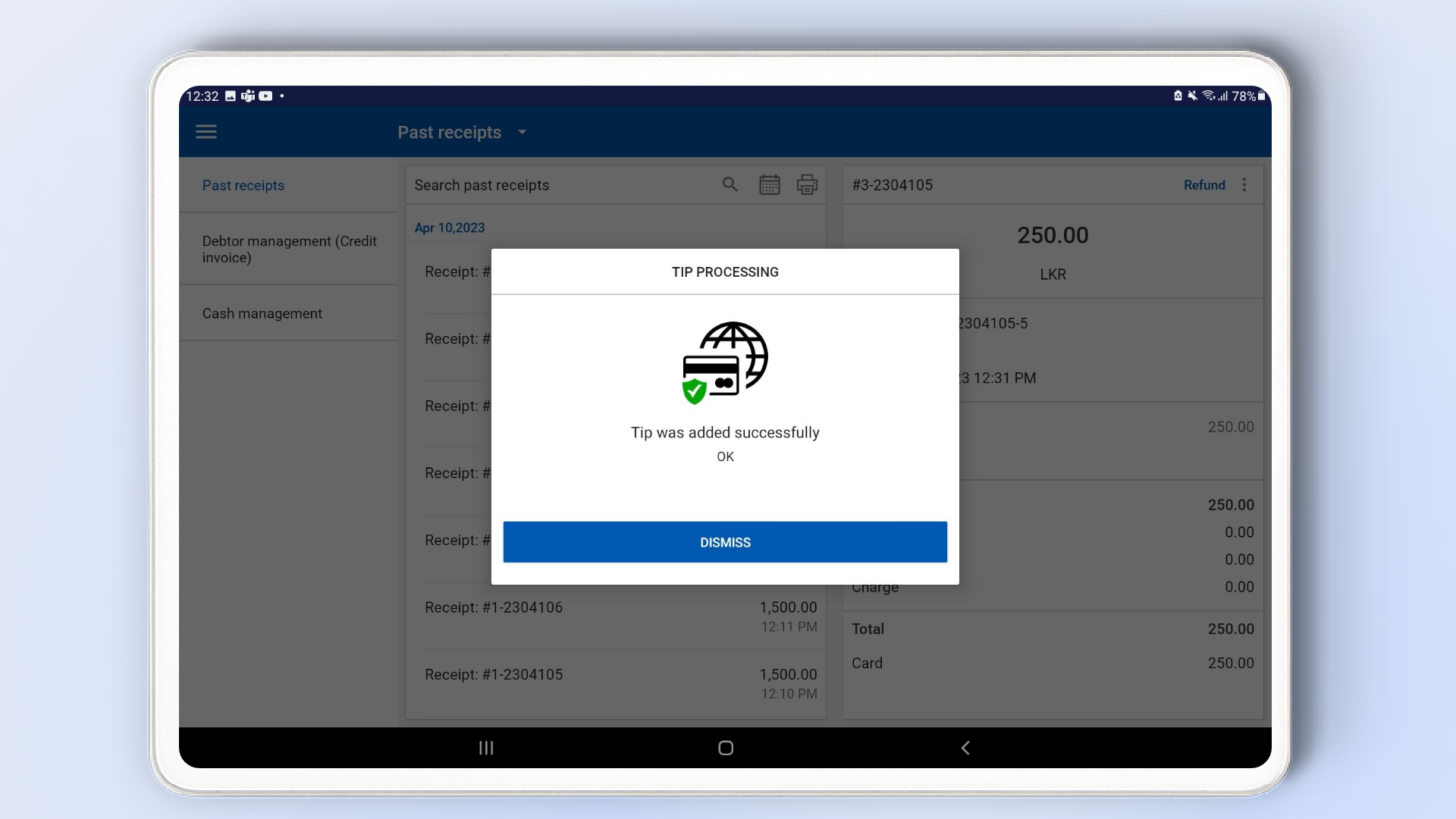
- Click “Add” to confirm.