• Point of Sale
  • Categories
    • Getting Started with SalesPlay
    • Web POS
    • Sales
    • Product
    • Inventory
    • User
    • Customers
    • Reports
    • Settings
  • Community
  • Point of Sale
  • Categories
    • Getting Started with SalesPlay
    • Web POS
    • Sales
    • Product
    • Inventory
    • User
    • Customers
    • Reports
    • Settings
  • Community
Home/Knowledge Base/Reports/Sales Summary Report in SalesPlay

Sales Summary Report in SalesPlay

February 12, 2026 Updated on February 17, 2026

What Is the Sales Summary Report?

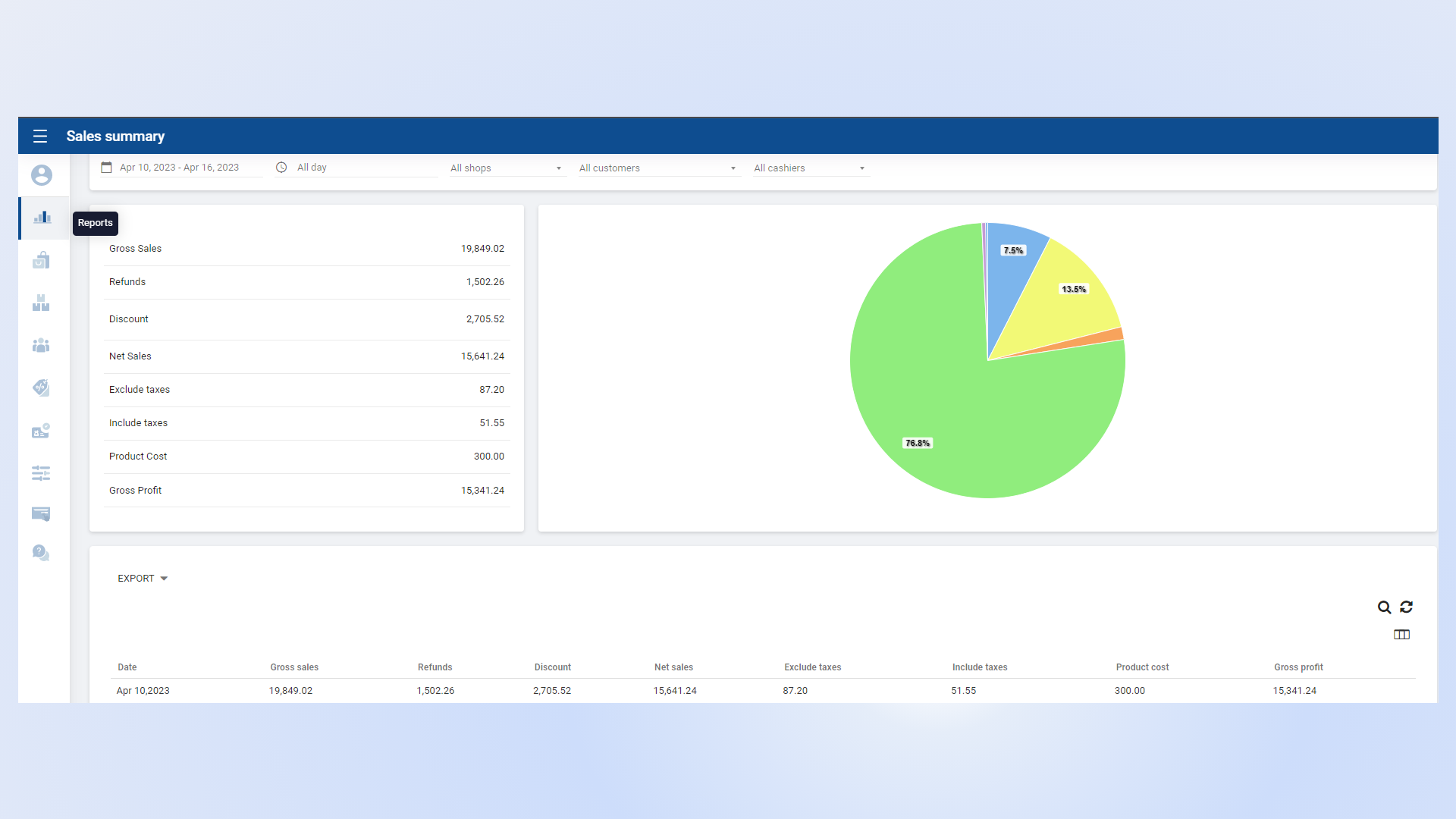
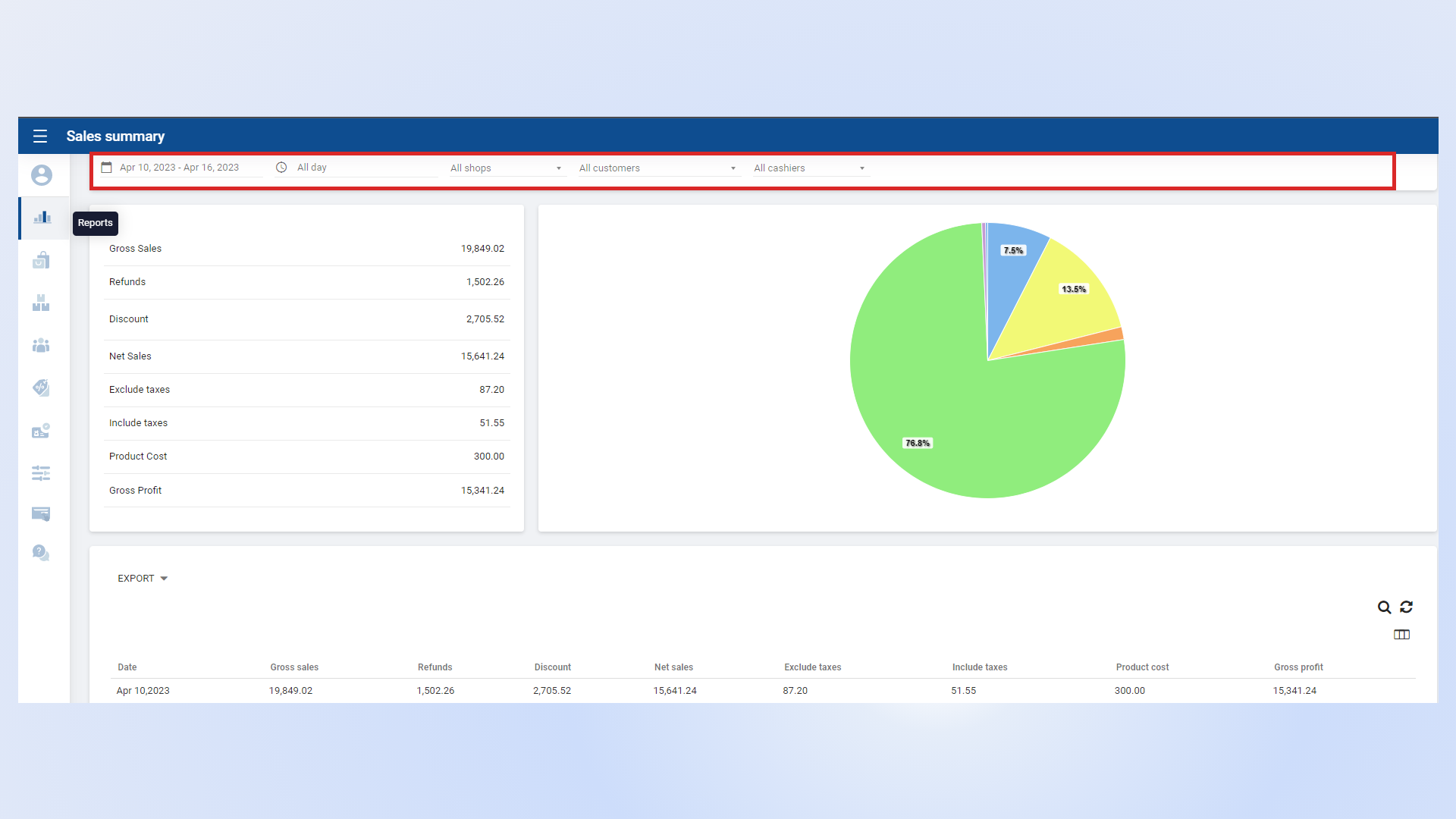
  • The Sales Summary Report provides an overview of business sales performance over a selected period.
  • It consolidates key sales data and performance metrics in one place.
  • This report helps management and stakeholders evaluate sales effectiveness and make informed business decisions.


Sales Performance Breakdown

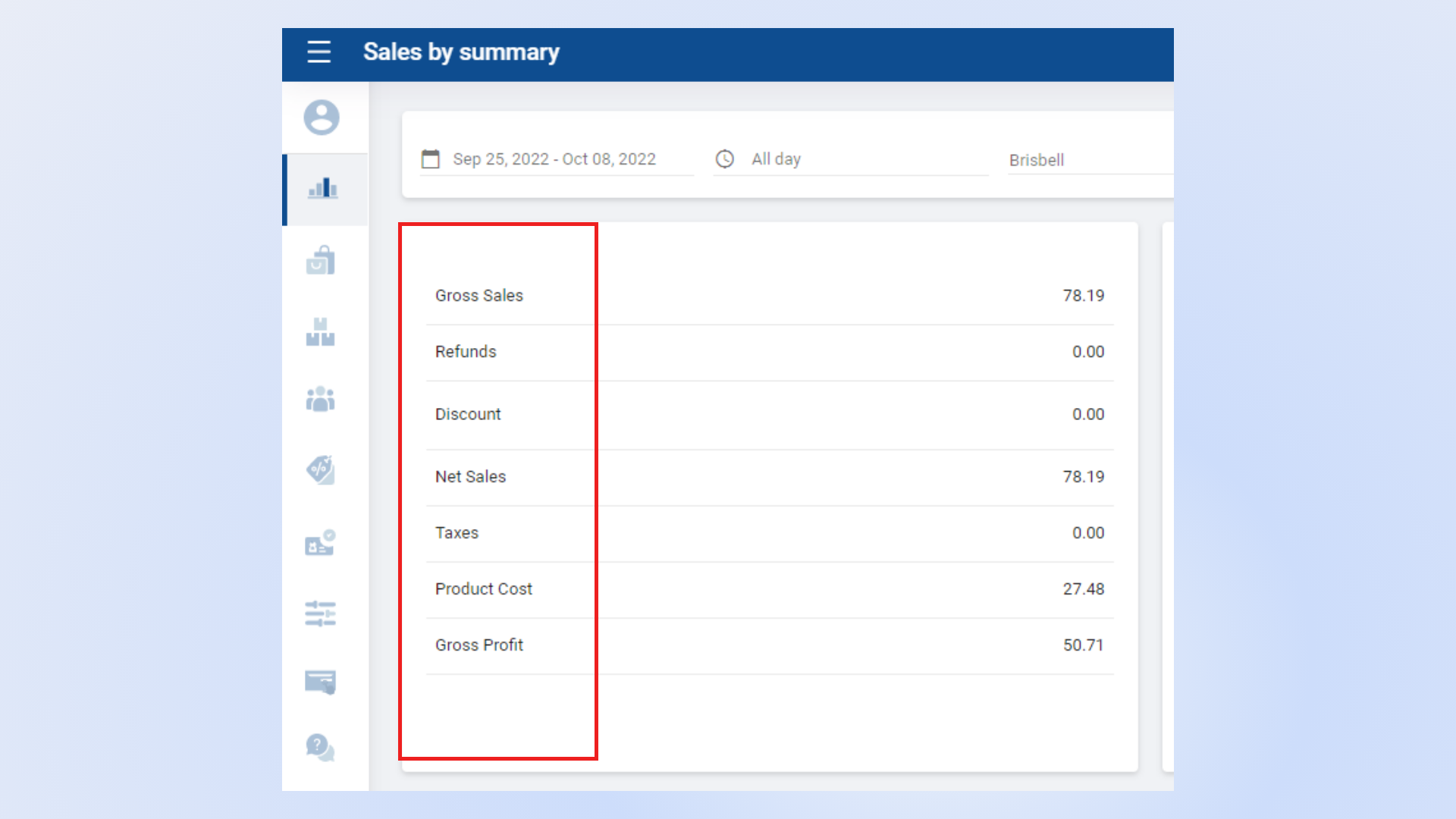
  • View total sales revenue generated during the selected period.
  • Analyze transaction counts and average sales value.
  • Monitor overall sales trends to identify growth opportunities.


Payment Method Summary

  • Review sales categorized by payment methods such as cash, card, or other payment options.
  • Ensure accurate reconciliation of payment collections.

Sales Payment Method Summary

Product Sales Summary

  • Analyze product-level sales performance.
  • Identify top-selling and low-performing products.
  • Use insights to optimize inventory and pricing strategies.


Additional Sales Insights

  • Gain a deeper understanding of overall business performance.
  • Track trends and patterns to support strategic planning and forecasting.


Was this helpful?

1 Yes  No
Related Articles
  • Shift History Report
  • Time Clock Report
  • Cash Rounding Report
  • Deleted Receipts Report
  • Inventory Expiry Report
  • Dashboard

No luck finding what you need? Contact Us

Popular Articles
  • Dynamic QR Code Payment
  • QR Ordering System Guide for SalesPlay POS
  • How to Setup KOT Printers in SalesPlay POS
  • E-commerce Integration with SalesPlay POS ( WooCommerce & Shopify )
  • Set Up Customer Display App
KB Category
  • Affiliate Program
  • Customer Orders
  • Customers
  • Distributor Referral
  • Getting Started
  • Inventory
  • Loyalty
  • Payment
  • Product
  • Reports
  • Sales
  • Settings
  • Setup
  • User
  • Web POS

Still need help?

Contact Us

Our support team is
here for you!

Ask the Community

Connect and get answers
from fellow SalesPlay POS users.

Asset-3-3.webp
  • Privacy Policy
  • Terms & Conditions
  • Return & Refund Policy
Asset-3-3.webp
  • Privacy Policy
  • Terms & Conditions
  • Return & Refund Policy