• Point of Sale
  • Categories
    • Getting Started with SalesPlay
    • Web POS
    • Sales
    • Product
    • Inventory
    • User
    • Customers
    • Reports
    • Settings
  • Community
  • Point of Sale
  • Categories
    • Getting Started with SalesPlay
    • Web POS
    • Sales
    • Product
    • Inventory
    • User
    • Customers
    • Reports
    • Settings
  • Community
Home/Knowledge Base/Settings/How to Change and Reset Your SalesPlay Account Password

How to Change and Reset Your SalesPlay Account Password

February 16, 2026

This guide walks you through updating your SalesPlay account password or resetting it if you’ve forgotten your login details. Follow the steps below for a secure and smooth process.

Change Account Password

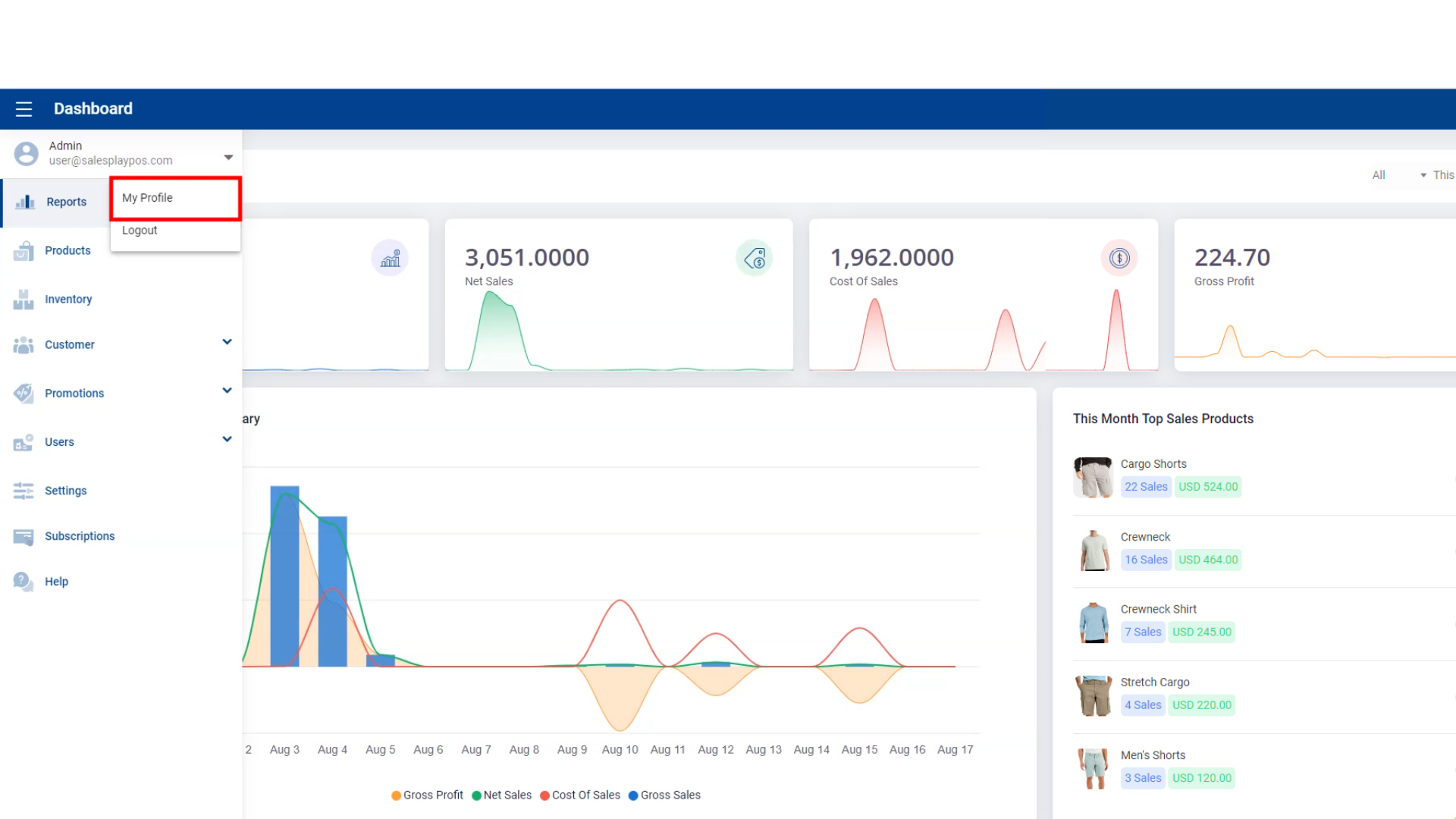
  1. From the POS App main menu, go to Admin > My Profile.
  2. Click the CHANGE button.
  3. Enter your current password and click CONTINUE.
  4. Type your new password, re-type to confirm, and click CONFIRM.

Reset Account Password

  1. Click Forgot Password? on the login screen.
  2. Enter your registered email address and click RESET.
  3. Check your email inbox and click the Reset Password link.
  4. Type your new password, re-type to confirm, and click RESET.
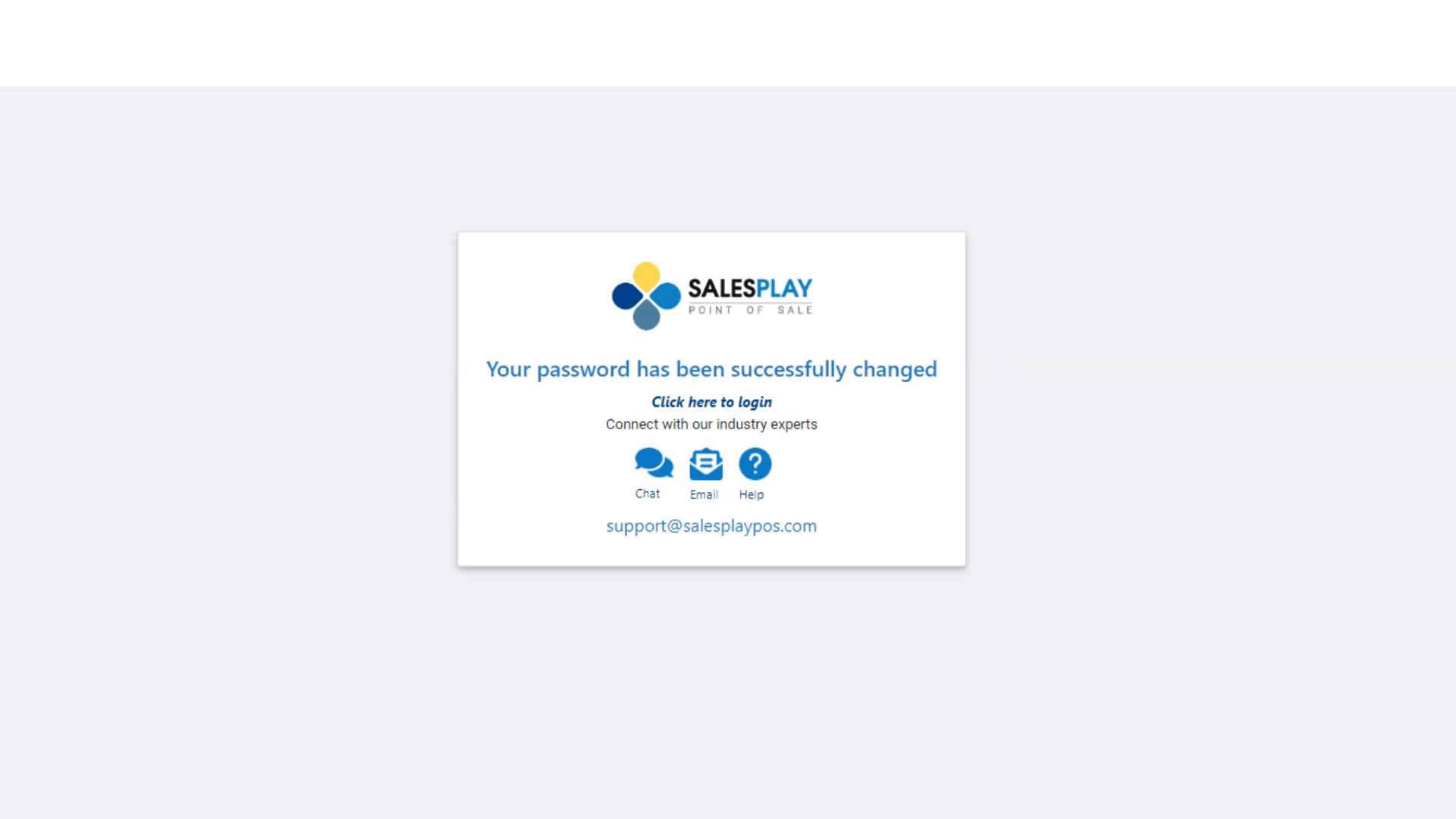
  5. You will see a confirmation message that your password has been successfully reset. You can now sign in with your new password.

Tips for a Strong Password

  • Use at least 8 characters including letters, numbers, and special symbols.
  • Avoid using easily guessable information like birthdays or common words.
  • Change your password regularly to maintain account security.

Was this helpful?

1 Yes  No
Related Articles
  • Integrate QuickBooks (Offline)
  • How to Add Charges
  • How to Add a Payment Gateway in SalesPlay POS
  • How to Allow or Block Negative Stocks in SalesPlay POS
  • How to Sync Offline Receipts in SalesPlay POS
  • How to Manage Reservations in SalesPlay POS

No luck finding what you need? Contact Us

Popular Articles
  • Set Up Customer Display App
  • Dynamic QR Code Payment
  • QR Ordering System Guide for SalesPlay POS
  • How to Setup KOT Printers in SalesPlay POS
  • E-commerce Integration with SalesPlay POS ( WooCommerce & Shopify )
KB Category
  • Affiliate Program
  • Customer Orders
  • Customers
  • Distributor Referral
  • Getting Started
  • Inventory
  • Loyalty
  • Payment
  • Product
  • Reports
  • Sales
  • Settings
  • Setup
  • User
  • Web POS

Still need help?

Contact Us

Our support team is
here for you!

Ask the Community

Connect and get answers
from fellow SalesPlay POS users.

Asset-3-3.webp
  • Privacy Policy
  • Terms & Conditions
  • Return & Refund Policy
Asset-3-3.webp
  • Privacy Policy
  • Terms & Conditions
  • Return & Refund Policy